Strata
Strata is a notebook your coding agent can drive, and everything it computes stays.
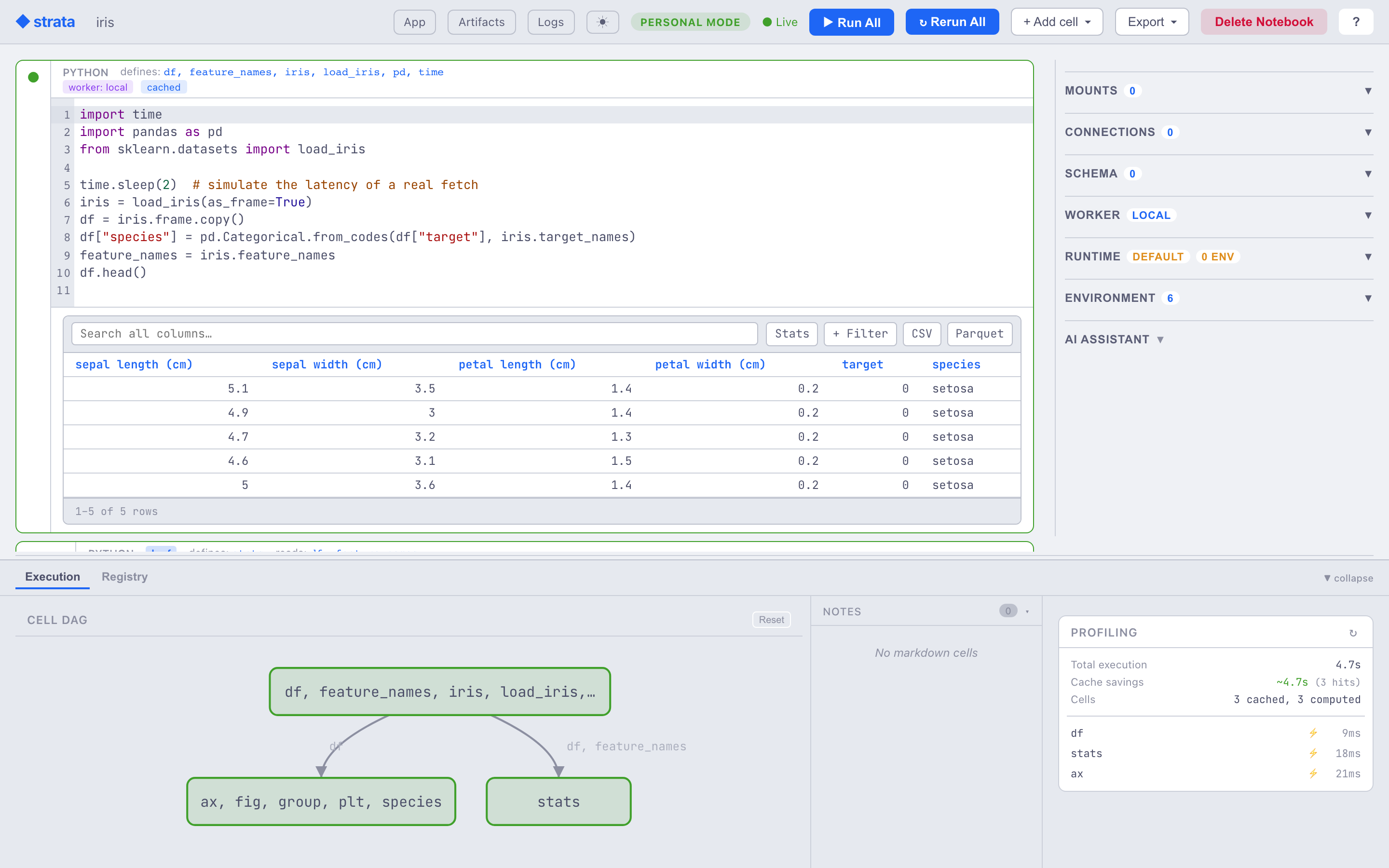
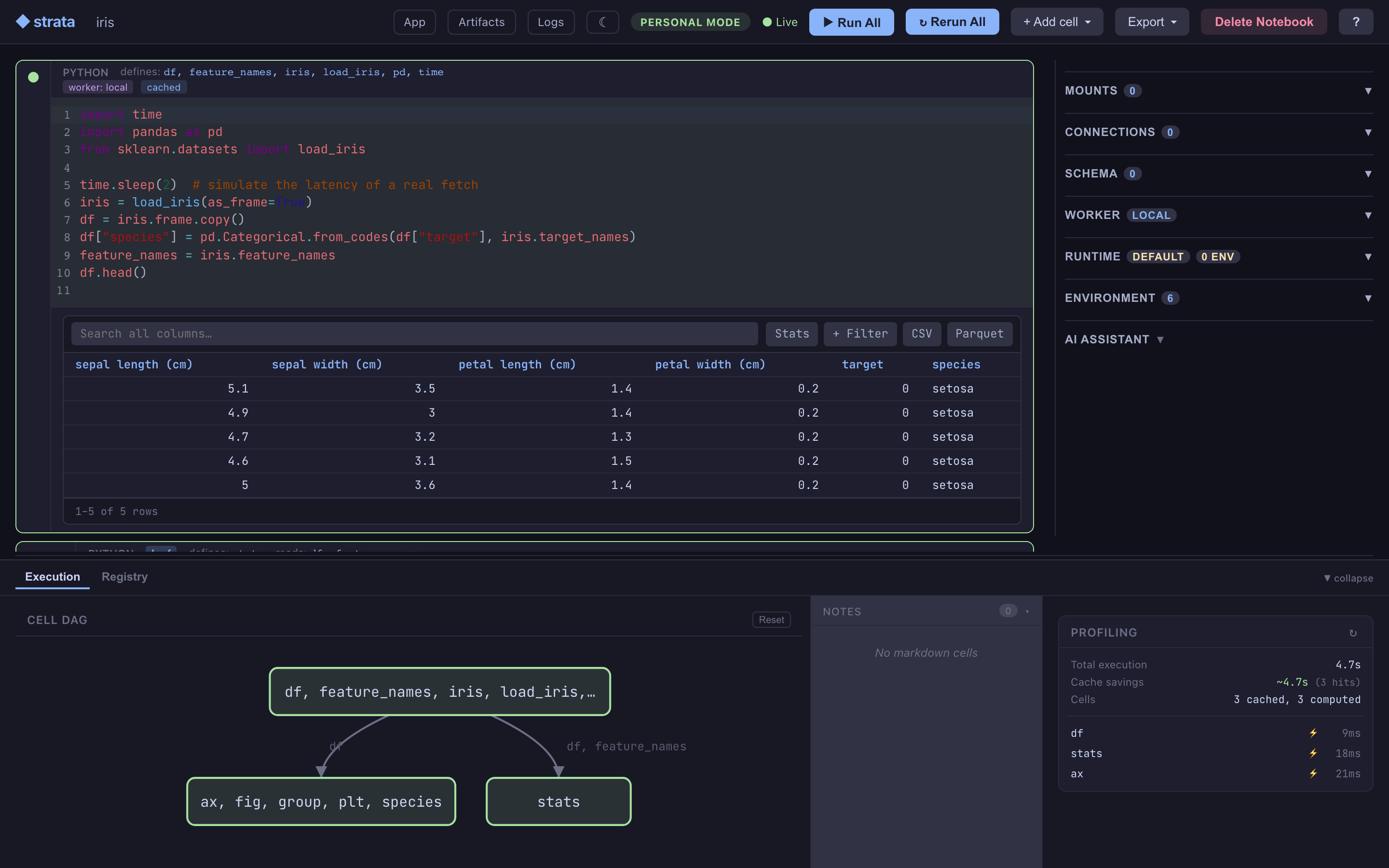
Coding agents explore by writing throwaway scripts that nobody sees and nothing remembers. Point one at Strata and the work lands in a notebook instead: every result cached by what produced it, every cell recording who wrote it, and the whole thing open in your browser while the agent works.
That holds because of what a cell is. Each one is keyed by its source, its inputs and its environment, so the expensive step an agent ran ten turns ago is a cache hit now, and the same inputs give the same result a year later on another machine. Change one cell and only the cells below it run again.
It is a good notebook for a person, too. Ask a model a question in a prompt
cell and the answer is cached like any other result. Send the slow cell to a
GPU with one line. The notebook itself is plain .py files plus a manifest,
so a commit is a readable diff rather than a wall of JSON.
Strata Notebook
The interactive notebook surface: Python, R, SQL, prompt, widget and loop cells, each producing artifacts that flow through an auto-built DAG.
Highlights:
- content-addressed: every cell output is keyed by source + inputs + environment - identical work hits the cache, and no result ever needs invalidating
- reactive: edit a cell, the cascade re-runs only the downstream cells that depend on it
- dag-from-ast: Strata reads each cell's AST to wire upstream/downstream - no decorators, no manual edges
- dag-view: the dependency graph renders alongside the cells - double-click any node to jump to its source
- git-friendly: notebooks are plain
.pyfiles plus a TOML manifest - readable diffs, no JSON blobs - prompt cells: LLM calls are first-class DAG nodes,
{{ variable }}interpolation from upstream cells, cached by template + inputs + model config - SQL cells: named connections, bind-parameter templating, drivers for DuckDB / SQLite / Postgres / Snowflake / BigQuery
- loop cells:
# @loop max_iter=N carry=stateiterates a cell with explicit carry between steps - each iteration is its own artifact - interactive widgets + app view: a
widgetcell is a control panel (slider / dropdown / …) whose values downstream cells consume; with ⚡ Live on, dragging a control recomputes the dependents. Open a notebook as a read-only app, embed it as an<iframe>, or export a frozen snapshot - distributed:
# @worker gpu-flydispatches a single cell to a remote box - bring your own compute - mounts:
# @mount data s3://bucket/prefix romakes any S3 / GCS / Azure prefix a localpathlib.Path - isolated envs: every notebook gets its own uv-managed
.venv/, locked and reproducible - auto-install: missing import in a cell? one click adds the package via uv; run the cell again to use it
- headless:
strata run ./my-notebookfor CI and scheduled execution - same DAG, same cache - stop a run from anywhere: cancel a running cell from the browser,
strata cell cancel, REST or MCP, and on Linux and macOS a cell stops when the server that started it does - every input recorded:
# @fetchmakes bytes from a URL an input and# @datasetmakes a registry name one, both content-addressed like everything else - lake-aware SQL: read a named catalog and the notebook's mounts in one query, pinned to the snapshot the cell's provenance records
- the same environment, elsewhere: a remote cell runs in the notebook's own locked environment rather than whatever the worker image happens to hold
- the machine starts before the run: focusing a cell bound to a pooled worker, or starting Run All, asks the pool to bring up a machine while you are still reading the code
- workers behind NAT:
strata-worker --connectdials out to a relay, so a machine with no open port serves cells - Iceberg as other engines write it: scans apply merge-on-read deletes and follow schema changes by field id, so tables Spark, Flink and DuckDB write read correctly
- a figure gets a URL: publish an artifact and anyone with the link sees the plot, the code behind it, and the environment of every step - no account, no install
- promote to the team: copy a result and its whole chain into a shared store, from the notebook, the CLI or inside a cell - and a teammate's earlier run can serve your cell
- a notebook travels: export the whole state as one bundle, artifacts included, and import it back elsewhere
- share a session: presence, cell focus and soft locks, with every cell recording who wrote it
- host it for many people: in service mode every notebook route stays within the caller's tenant, the server runs under a path behind your proxy, and the editor can be framed inside your own product
- a store that stays bounded: results nobody has used for a while are collected least recently used first, never anything named, pinned, published or still needed
- worker pool (a separate package,
pip install strata-pool): machines start on demand - Fly, Docker or RunPod - are held for a tenant, hand out GPUs per cell, and stop when the work does
Three ways to drive it
The same notebook - the same cells, the same cache, the same artifacts - has several front doors. They operate on the same notebook directory, and because opening a notebook twice reuses the same session rather than forking it, they can all be pointed at it at once: a browser and a terminal viewer watching the same cell run.
| Surface | For | Start here |
|---|---|---|
| Web UI | Writing and running cells yourself, with rendered tables, plots, and the DAG view. | Quickstart - Web UI |
| Terminal (TUI) | Watching a notebook live from a terminal - a second pane, an SSH session, or beside your editor. Read-only. | Quickstart - Terminal |
| Coding agent | Handing the notebook to Claude Code and watching it build, through MCP tools. The notebook is what you wanted. | Quickstart - Coding agent |
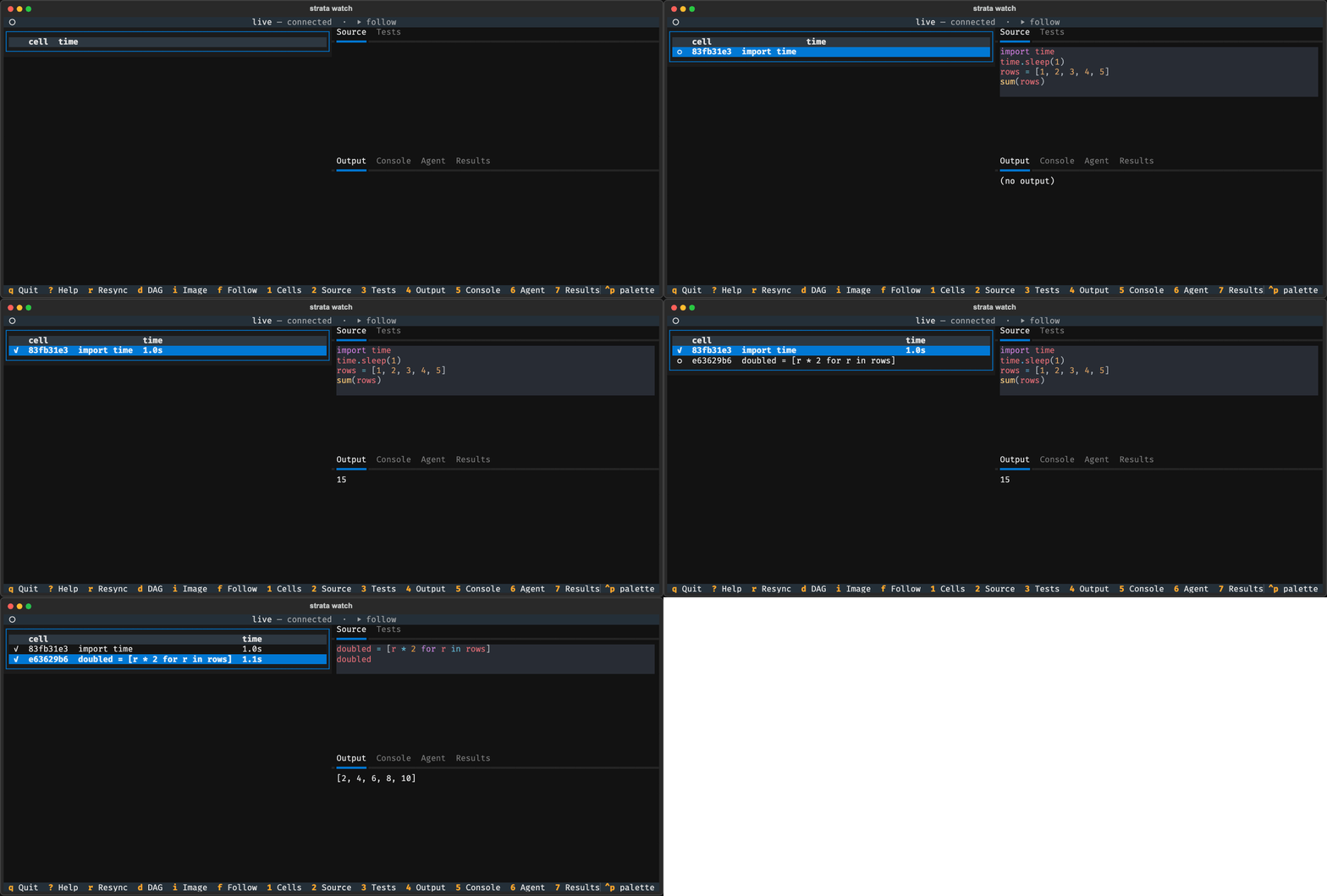
Two of those front doors at once: a coding agent adds and runs cells through
the CLI while strata-notebook-tui mirrors it live in another terminal.
Captured from a real run rather than assembled from canned frames.
There is also a use that is not a front door at all: an agent working on something else entirely, using a notebook as a cached scratchpad for throwaway Python instead of temp scripts. Nobody watches that one, which is rather the point - see Agent scratchpad.
Use Strata as a library
Strata's HTTP API exposes the materialization layer directly,
driveable from Python via StrataClient. Useful for direct table
scans, custom transforms, and headless workflows; the notebook
executor is a separate pipeline that writes to the same artifact
store. The client talks to a running Strata server.
Quick Start
Then open http://localhost:8765. The mcp
and tui extras are what strata agent and strata watch need.
Plain pip install is not supported.
Then open http://localhost:8765.
Or run the prebuilt image (linux/amd64), published with each release:
Then open http://localhost:8765.
See Installation for full details.
Status
Both surfaces (Notebook and Core) are functional and shipped from PyPI. Strata is still pre-1.0, so the API may change between 0.x minors; pin to a minor if you need stability.